
Nuxt Dashboard Template

Get started with the Nuxt dashboard template with multiple pages, collapsible sidebar, keyboard shortcuts, light & dark more, command palette and more, powered by Nuxt UI.
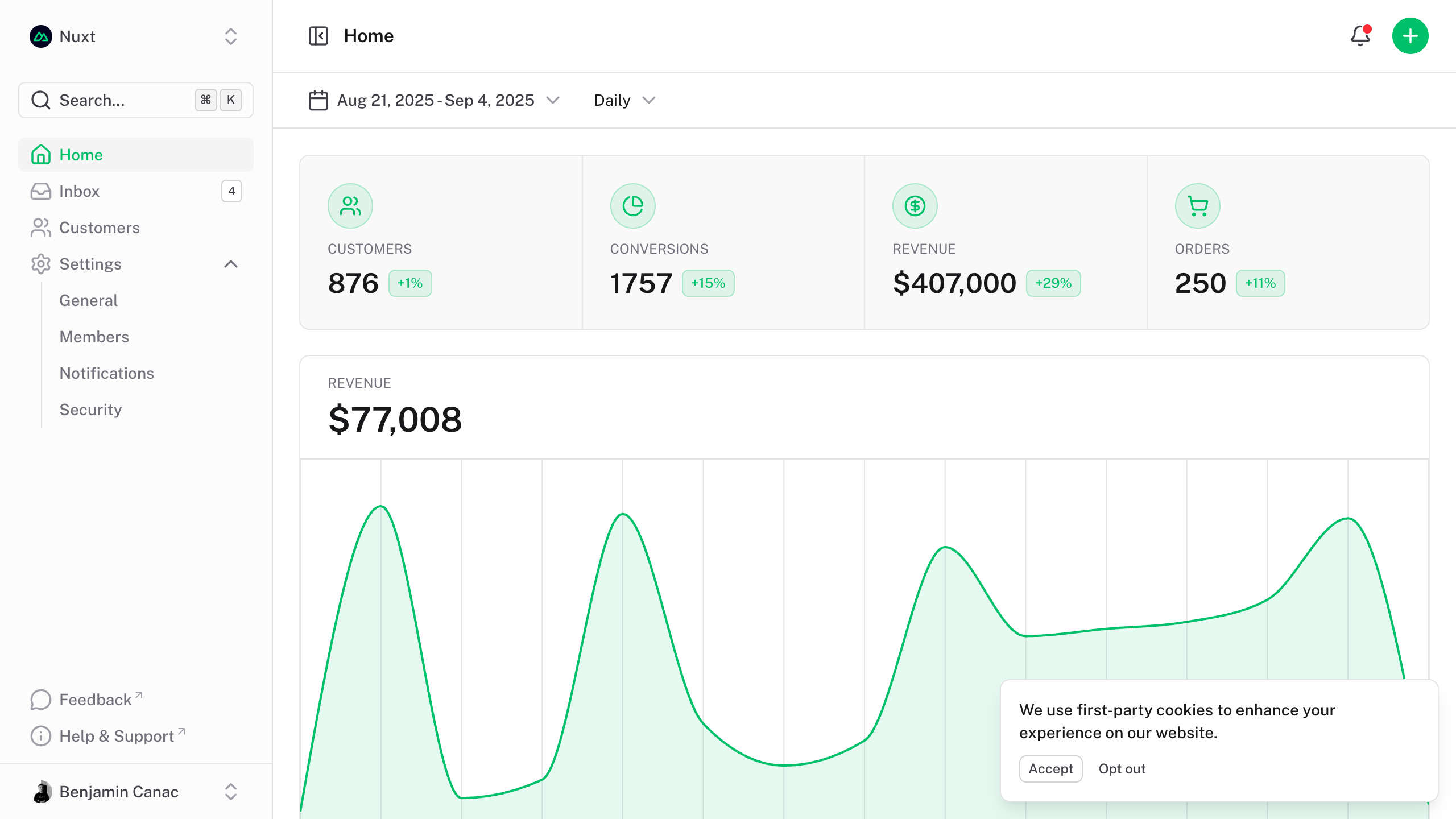
The dashboard template for Vue is on https://github.com/nuxt-ui-templates/dashboard-vue.
Quick Start
npm create nuxt@latest -- -t github:nuxt-ui-templates/dashboard
Deploy your own

Setup
Make sure to install the dependencies:
pnpm install
Development Server
Start the development server on http://localhost:3000:
pnpm dev
Production
Build the application for production:
pnpm build
Locally preview production build:
pnpm preview
Check out the deployment documentation for more information.
Renovate integration
Install Renovate GitHub app on your repository and you are good to go.